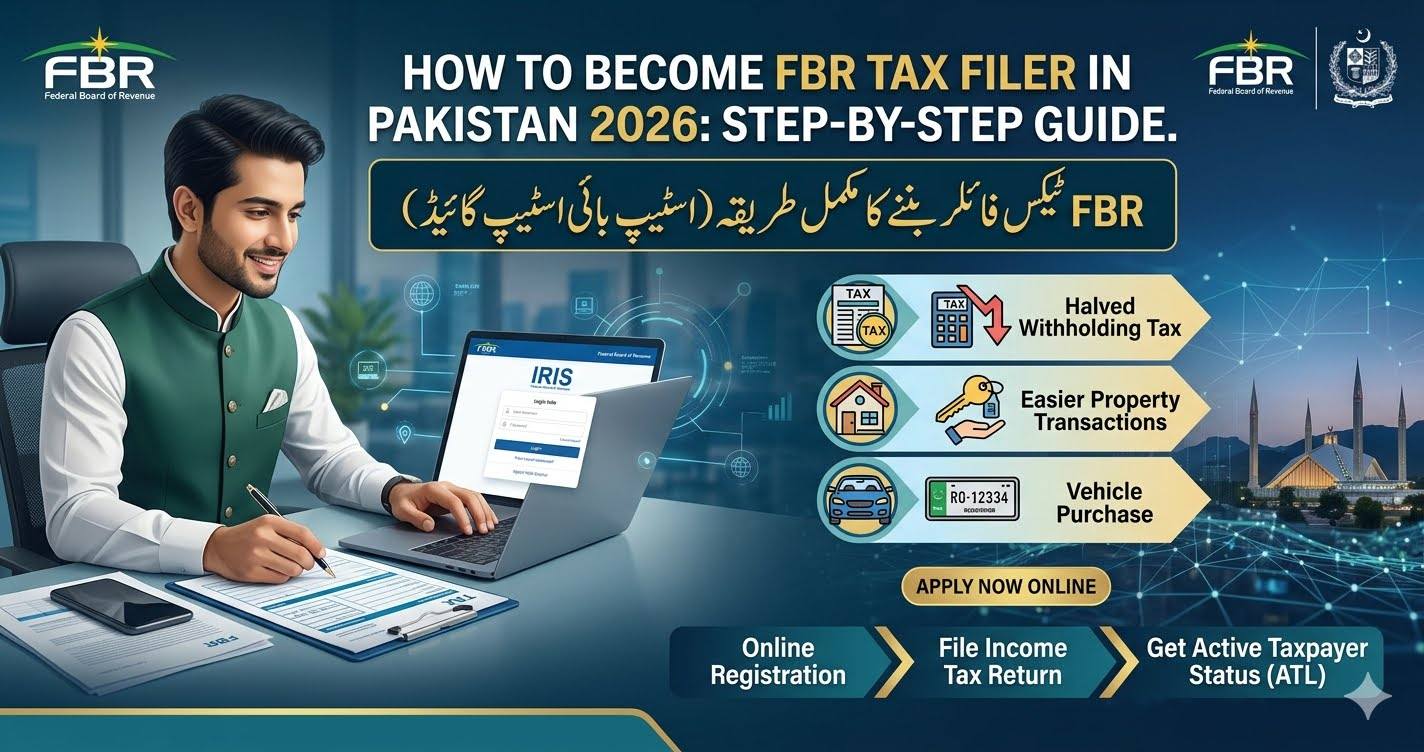
Dosto, FBR Active Taxpayer List (ATL) mein apna naam shamil karna aur filer banna ab bohot aasan ho chuka hai. Is article mein hum aap ko simple English mein batayenge ke online FBR tax filer kaise banein, IRIS portal par registration kaise karein, required documents kya hain, aur apna ATL status kaise check karein.
What is an FBR Tax Filer?
An FBR Tax Filer is a person whose name is included in the Federal Board of Revenue (FBR) Active Taxpayer List (ATL) after filing an Income Tax Return.
A filer pays lower taxes on many financial transactions and enjoys several government benefits.
If your name is not on the ATL, you are treated as a non-filer, and you usually pay higher withholding taxes.
Benefits of Becoming an FBR Tax Filer
Becoming a tax filer offers many financial benefits.
Some of the major advantages are:
- Lower withholding tax on bank transactions.
- Lower tax when buying or selling property.
- Lower tax on vehicle registration and transfer.
- Easier process for opening international bank accounts.
- Better financial record for visa applications.
- Easier access to bank loans.
- Better reputation for business and financial dealings.
- Compliance with Pakistan’s tax laws.
Difference Between Filer and Non-Filer Tax Rates (2026)
The table below shows a general comparison between filers and non-filers. Actual tax rates may change after the Federal Budget or new FBR notifications.
| Transaction | Filer | Non-Filer |
|---|---|---|
| Cash Withdrawal Above FBR Limit | Lower Withholding Tax | Higher Withholding Tax |
| Vehicle Registration | Lower Tax | Higher Tax |
| Property Purchase | Reduced Tax Rate | Higher Tax Rate |
| Property Sale | Lower Advance Tax | Higher Advance Tax |
| Banking Services | More Benefits | Limited Benefits |
Required Documents to Become a Filer
Before starting your online registration, prepare these documents.
- Copy of your CNIC
- Active mobile number registered on your own CNIC
- Active email address
- Latest electricity bill
- Property ownership documents or rent agreement (if available)
- Income source details
- Business information (if applicable)
- Bank account details (if required)
Having these documents ready will make the registration process much easier.
Step-by-Step Guide to Register on FBR IRIS Portal Online
Follow these simple steps to become an FBR tax filer.
Step 1: Open the Official FBR IRIS Portal
Visit the official FBR IRIS Portal using your internet browser.
Click on Registration for Unregistered Person if you are creating a new account.
tep 2: Verify Your CNIC and Mobile Number
Fill in the registration form.
Enter:
- CNIC Number
- Mobile Number
- Email Address
You will receive verification codes (OTP).
Enter the OTP codes to complete your verification.
Step 3: Create Your Login Account
After successful verification, FBR will send your:
- Username
- Password
Use these details to log in to your IRIS account.
Step 4: Complete Your Profile
After login, update your personal information.
Check your:
- Address
- Contact details
- Business information (if applicable)
Save all information before moving forward.
Step 5: Submit Wealth Statement and Income Tax Return
Open your tax return dashboard.
Complete:
- Wealth Statement
- Income Tax Return
- Form 181 (where applicable)
Review every section carefully before submission.
Step 6: Submit Your Return
After checking all information, submit your Income Tax Return online.
If everything is correct, your return will be successfully submitted.
After processing by FBR, your name will appear in the Active Taxpayer List (ATL) if you meet the required conditions.
How to Check FBR Active Taxpayer Status (ATL) via SMS?
Checking your ATL status is very easy.
Follow these steps:
- Open your mobile messaging app.
- Type:
ATL [space] Your CNIC Number
Example:
ATL 3520212345671
- Send the SMS to:
9966
Within a short time, you will receive a reply showing whether your name is included in the Active Taxpayer List.
Common Mistakes to Avoid
Many applicants make small mistakes during registration.
Avoid these issues:
- Entering the wrong CNIC number.
- Using a mobile number not registered on your CNIC.
- Entering an incorrect email address.
- Leaving required fields empty.
- Providing incorrect income details.
- Forgetting to submit the final tax return.
Tips for Successful Registration
These simple tips can help you complete your registration without problems.
- Keep your CNIC ready.
- Use your own registered mobile number.
- Check every detail before submitting.
- Keep copies of all submitted information.
- File your tax return before the deadline.
- Update your profile if your information changes.
Frequently Asked Questions
Is becoming an FBR tax filer free?
Yes. Creating an account on the FBR IRIS portal is free. If you hire a tax consultant, they may charge a service fee.
How long does it take to become an ATL filer?
After your tax return is processed and accepted, your name is added to the Active Taxpayer List according to the FBR’s update schedule.
Can salaried employees become tax filers?
Yes. Salaried persons, business owners, freelancers, and other eligible taxpayers can register and file their tax returns.
Can I become a filer using my mobile phone?
Yes. You can access the FBR IRIS portal from a mobile phone or computer with an internet connection.
Why is my name not showing in the ATL?
This may happen if your tax return has not been processed yet, contains missing information, or has not been successfully submitted.
Final Words
Becoming an FBR Tax Filer in Pakistan (2026) is easier than ever. The online IRIS portal allows you to register, file your Income Tax Return, and become part of the Active Taxpayer List (ATL) without visiting an FBR office. By becoming a filer, you can save money on taxes, enjoy better financial benefits, and stay compliant with Pakistan’s tax laws.
Dosto, umeed hai ke yeh guide aap ke liye helpful rahi hogi. Agar aap abhi tak non-filer hain, to aaj hi apni FBR registration complete karein aur filer ban kar kam tax aur zyada financial benefits hasil karein. Allah aap ke liye asani paida kare.